

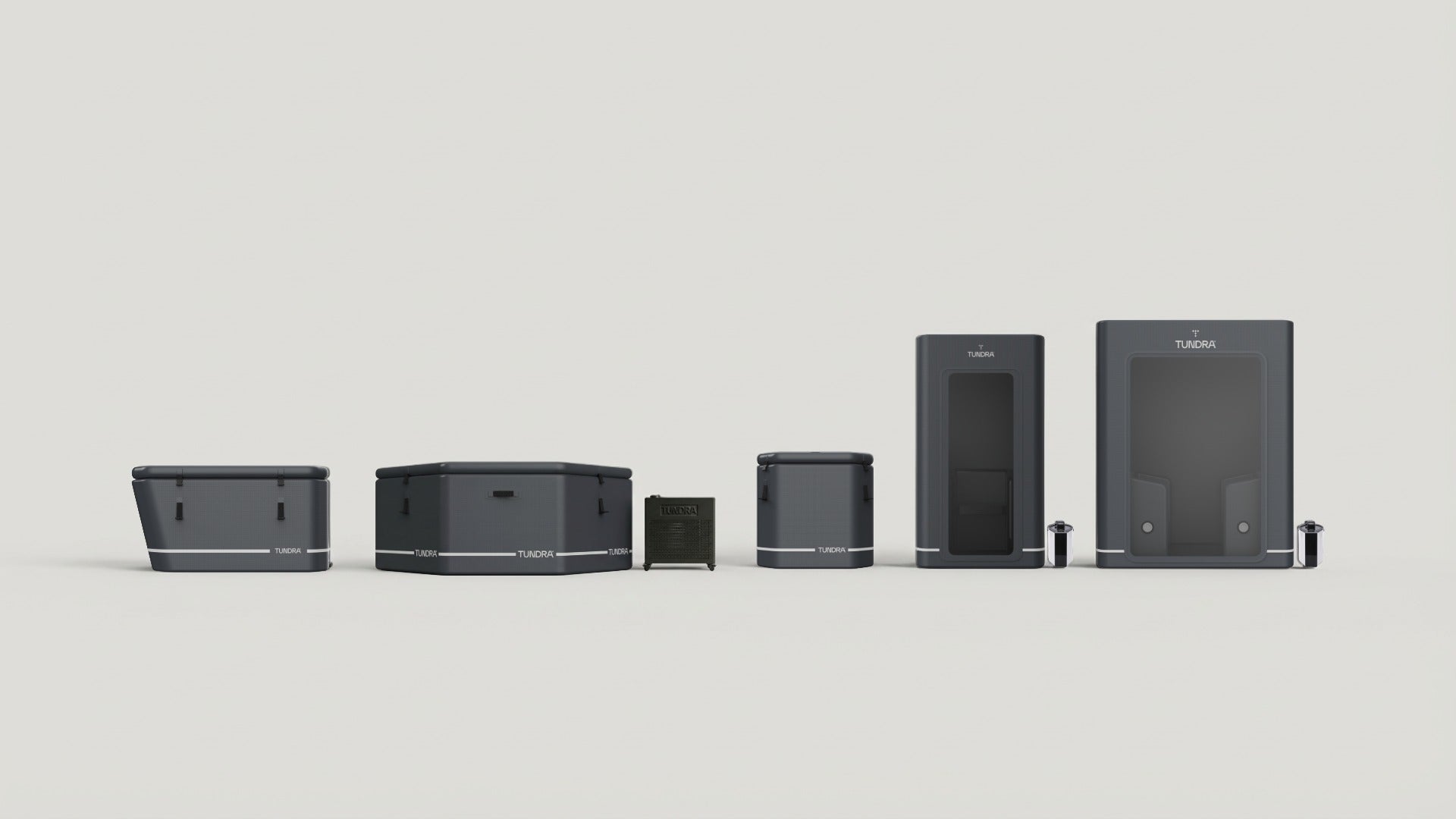
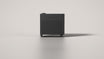
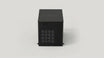
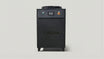

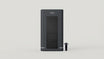
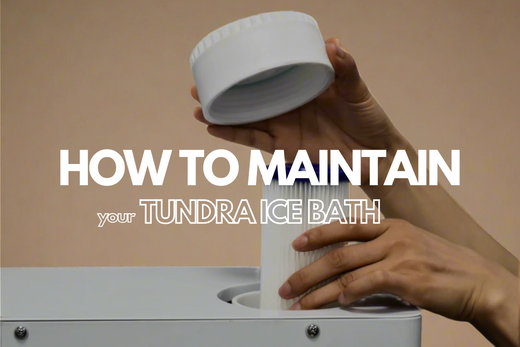
This is the complete care, maintenance and user guide for the TUNDRA Borealis™ Gen 5 — the heater & chiller at the heart of every TUNDRA tub system. Keep it bookmarked for setup, water care, filter changes and troubleshooting.
Maintenance overview
We recommend keeping the Borealis running continuously — this keeps the water circulating, filtered and ozone-sanitised at all times. Follow the routine below to keep it performing at its best.
-
Metal Mesh Cleaning
Rinse the metal mesh under running water weekly to prevent debris buildup and maintain optimal flow. -
Filter Cartridge Replacement
Monitor the flow rate on the display. When it stays at 12–15 L/min after cleaning the mesh, replace the cartridge. Auto-shutoff at 8 L/min. -
Water Replacement
Change the water every two weeks at the latest. Quality drops faster when the unit is off. Use mild sanitisers to extend water life. -
Extended Inactivity
If unused for 1+ week, drain the tub and chiller via the drain screw at the back, at the bottom of the filter compartment.
Filter system & replacement
The Borealis Gen 5 uses a dual filtration system — a 20-micron PET cartridge surrounded by a protective metal mesh — that together trap debris and protect the pump.
Reading the flow rate
| Flow | Status | What it means |
|---|---|---|
| 32–34 L/min | Optimal | New filter and clean mesh. System running at peak performance. No action required. |
| 20–30 L/min | Normal | Flow is gradually decreasing. Continue weekly mesh cleaning. Monitor the display. |
| 12–15 L/min | Replace Cartridge | If flow stays in this range after cleaning the mesh, the filter cartridge needs replacing. |
| 8 L/min | Auto Shut-off | The unit switches off automatically at this threshold to protect the pump from excessive strain. |
Tip — clean the metal mesh weekly to maintain flow. A clean mesh with persistently low flow means the cartridge is spent.
Replacing the filter cartridge
Before you begin: ensure the Borealis is powered off and unplugged.
-
Open the Filter Housing
Locate the housing on top. Twist counterclockwise to open. Use the lever wrench if tight. -
Remove Old Filter & Mesh
Carefully pull out the old cartridge. Remove and rinse the metal mesh guard under running water. -
Clean the Housing
Rinse the inside of the housing thoroughly to remove any sediment or debris. -
Install New Filter
Place the clean metal mesh back, then insert a fresh filter cartridge. Ensure a snug fit. -
Close & Secure
Twist clockwise to close. Hand-tighten, then use the wrench for a firm seal. -
Power On & Verify
Plug in and switch on. Confirm water flow reads 32–34 L/min on the display.
Cleaning the dust filter
The dust filter protects the cooling system’s air intake. Clean it monthly — more often in dusty environments. Press the recessed button to release the cover, pull the dust mesh straight out, rinse under running water, dry fully, then slide it back until secure.
Water replacement
Despite the Borealis’s ozone purification and filtration, regular water changes are essential. Replace the water at least every two weeks — sooner in the scenarios below.
Signs it’s time to change the water
Storage & draining
If the Borealis will sit unused for a week or more, drain both the tub and the chiller. Power off and unplug, open the drainage nut at the back of the unit (bottom of the filter compartment) and let the chiller empty through the outlet. Allow it to dry, then refit the drainage nut before next use.
Safety precautions
Safety is paramount when electricity and water are involved. Review these before first use.
Quick start guide
-
Connect the Pipes
Attach the 3/4-inch inlet and outlet pipes securely to your tub. If using a bathtub, place both loose pipe ends in the water. -
Position the Unit
Place the Borealis in a well-ventilated area with at least 30 cm clearance on all sides. -
Fill Your Tub
Ensure your tub is filled with sufficient water before starting the machine. -
Prime the Filter Housing
Open the filter housing cap, fill with water manually until full, then close tightly. -
Power On
Plug in. For the Elite model, avoid extension cables unless rated for 1,950W. -
Set Temperature & Start
Use the touchscreen to set your desired temperature, then press the on/off switch.
Control panel
-
On/Off Switch
Power the unit on or off. -
Temperature
Adjust target temperature with the +/− slider (3–42°C). -
Water Flow
Displays current flow rate in L/min. -
Locking
Press 3–5 seconds to lock or unlock the screen. -
Fault Warning
Blinks when the machine detects an issue. -
Settings
Access ozone time, brightness, screen sleep, Wi-Fi, and more. -
Status Indicators
Show current status of Wi-Fi, Ozone, Cooling or Heating, Defrosting, and Room Temperature.
Wi-Fi & Smart Life app
- Download the Smart Life app from the App Store or Google Play.
- Power on the Borealis and enter the Settings menu.
- Press the Wi-Fi button for 3–5 seconds until the indicator blinks.
- Open Smart Life and select 'Add Device'.
- Connect to your 2.4 GHz Wi-Fi network and enter the password.
- Once paired, the Borealis appears in your device list.
Troubleshooting
| Problem | Fix |
|---|---|
| Unit does not power on | Check the power source, the RCD breaker at the back, and any surge protectors in the chain. |
| Inadequate heating or cooling | Verify the temperature setting. Ensure 30 cm clearance on all sides. Extreme ambient temperatures may affect performance. |
| Reduced water flow / flow error | Clean the metal mesh. If flow stays at 12–15 L/min, replace the cartridge. Check hoses for kinks and ensure sufficient water level. |
| Water leakage | Tighten all hose connections and check rubber seals. Inspect the unit and hoses for visible damage. |
| Unusual noises (gurgling, bubbling) | Check water level — it must cover the tub outlet. Tighten all hoses and the filter housing cap. |
| Water odour or algae | Replace the water immediately. Change the filter if overdue. Clean the tub surface. |
For persistent issues, contact info@tundra.health. Do not attempt to disassemble or repair the unit yourself.
Frequently asked questions
We recommend it. Continuous operation keeps the water filtered, circulated, and ozone-sanitised at all times.
Can the Borealis be left outdoors?Yes — it is IPX4 rated. We recommend shelter such as a cover or overhang to extend its lifespan.
Do I need to use chlorine?No. We advise against chlorine or harsh chemicals. The built-in ozone system handles sanitation. Mild sanitisers and water balancers are acceptable.
Can I run the unit without a filter?Never. Running without a filter allows debris into the pump and voids the warranty.
Can I place the Borealis in an enclosed cabinet?No. It requires open-air placement with at least 30 cm clearance on all sides for proper ventilation.
Specifications
| Model | Borealis Pro 1.0 HP | Borealis Elite 2.0 HP |
| Dimensions (L × W × H) | 62.9 × 39.4 × 60.3 cm | 67.7 × 42.3 × 62.6 cm |
| Weight | 35 kg | 40 kg |
| Input power | 1,060 W | 1,950 W |
| Cooling range | Down to 3°C | |
| Heating range | Up to 42°C | |
| Water flow | 32–34 L/min (new filter) · auto-shutoff at 8 L/min | |
| Filtration | 20-micron PET with metal mesh guard | |
| Purification | Built-in ozone generator | |
| Voltage | AC 220–240V, 50/60Hz | |
| Water resistance | IPX4 | |
Warranty
The Borealis Gen 5 is covered by a one-year limited warranty against defects in materials and workmanship. Covered: manufacturing defects and normal use per this guide. Not covered: misuse, cosmetic wear, harsh chemicals (e.g. chlorine), water ingress beyond IPX4, or failure to replace filters / change water.
This product should not be used by children without direct adult supervision.


Leave a comment
This site is protected by hCaptcha and the hCaptcha Privacy Policy and Terms of Service apply.